01
Your own folder tree
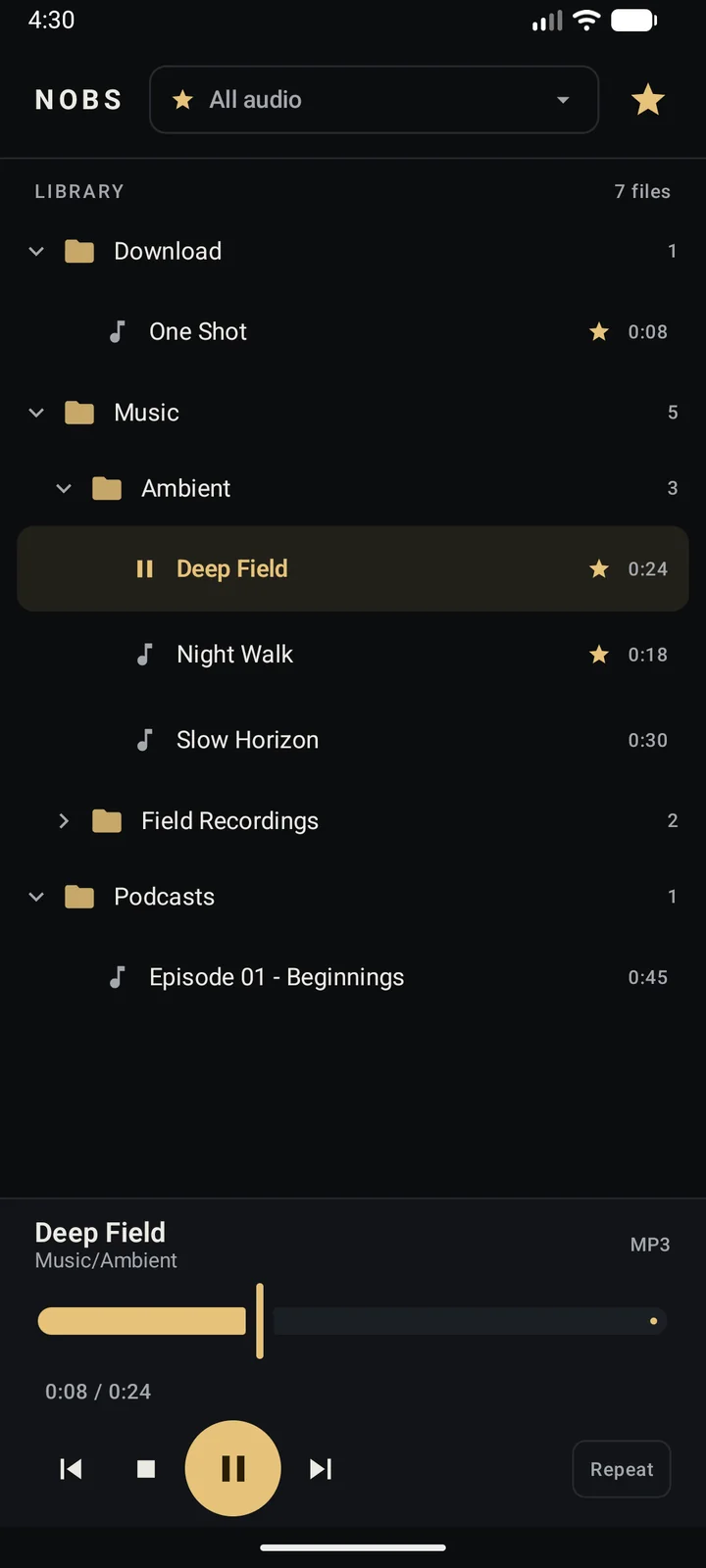
Collapsible folders, file counts and durations. NOBS reads the library you already have instead of asking you to import it.
NOBS PLAYER / ANDROID
NOBS Player browses the folders you already have, plays the formats already on your phone, and remembers what you starred. One screen. Nothing in the way.
Local files. Three ways to listen. One very small app.
ScrollNOBS Software is a small software label for tools that respect your time and your files. No growth loops. No dashboards. Just software that is good at one thing.
NOBS Player is the first release: an Android media player built around the folders already on your device, not around a library you have to feed.
No home feed. No recommendations. No account. Just a fast path from the folder you opened to the file you want to hear.
Collapsible folders, file counts and durations. NOBS reads the library you already have instead of asking you to import it.
MP3, OGG and Opus, WAV, FLAC, M4A and AAC, plus the other audio containers Android can handle. No conversion step.
Star a track and it stays starred. Switch the tree to favorites and the short list is the whole list. Stored on the device.
Drag to any point in the file. Tap the time to switch between elapsed and remaining. Stop, skip and resume exactly where you left off.
Three plain ways to decide what happens at the end of a track. Auto-advance through the folder, stop cleanly, or loop the file.
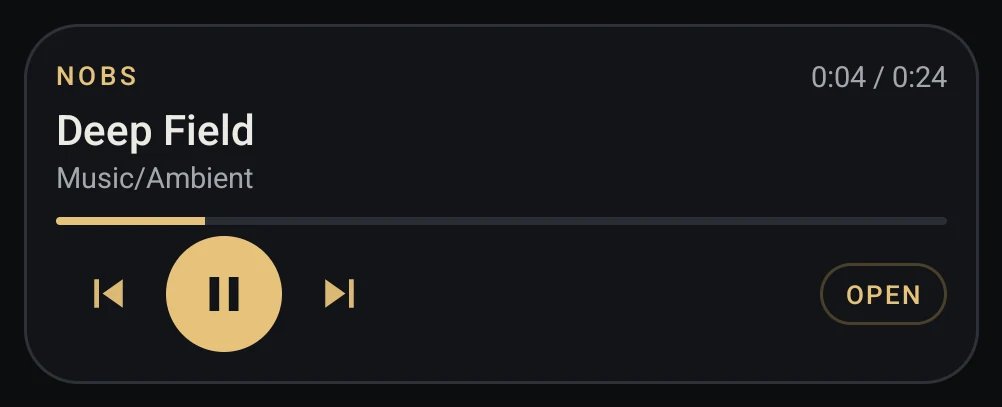
A home-screen widget with the current file, time, progress and transport. Android's system media controls take it to the lock screen.
Portrait keeps the library and the controls together. Landscape gives the tree one side and the player the other. Same app, same state.
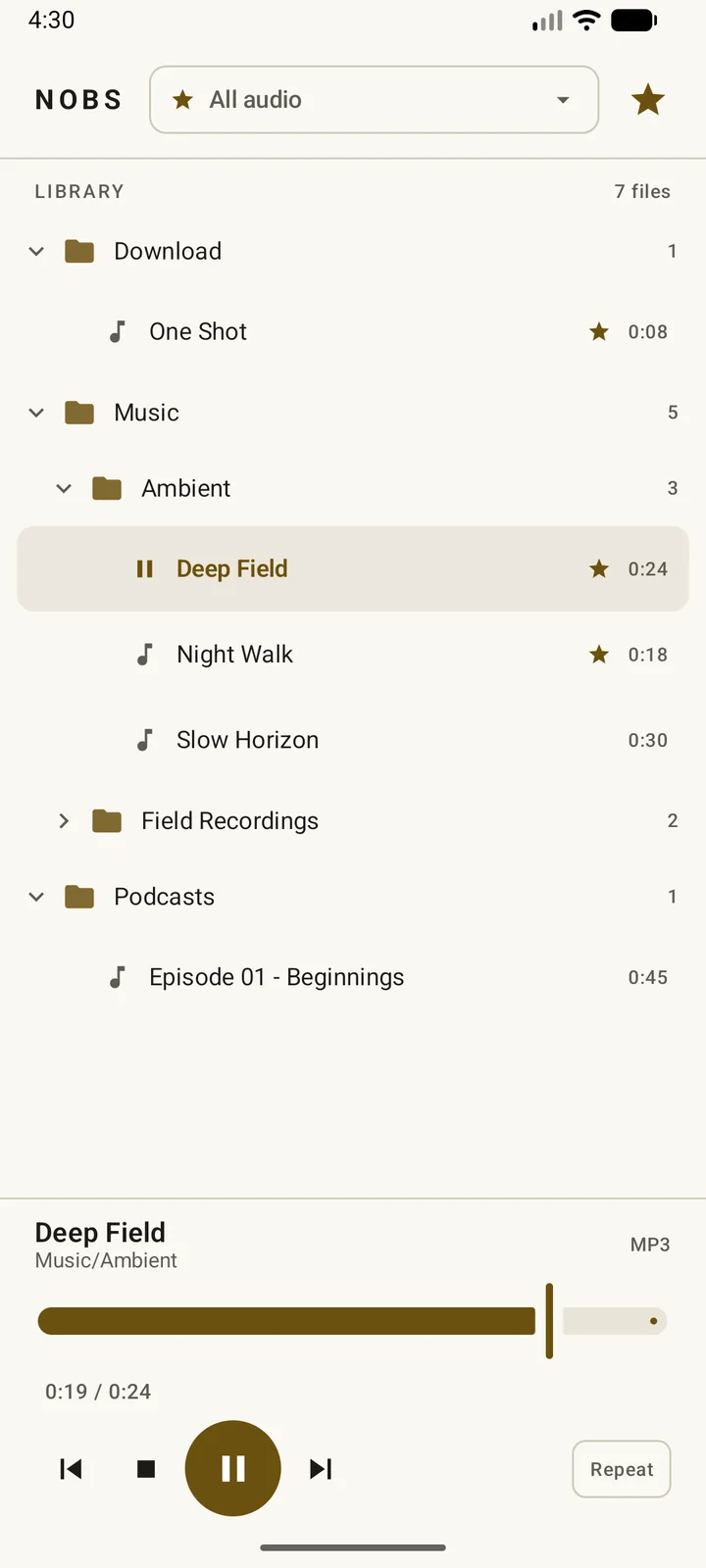
The same one-screen player, in a warm paper palette.
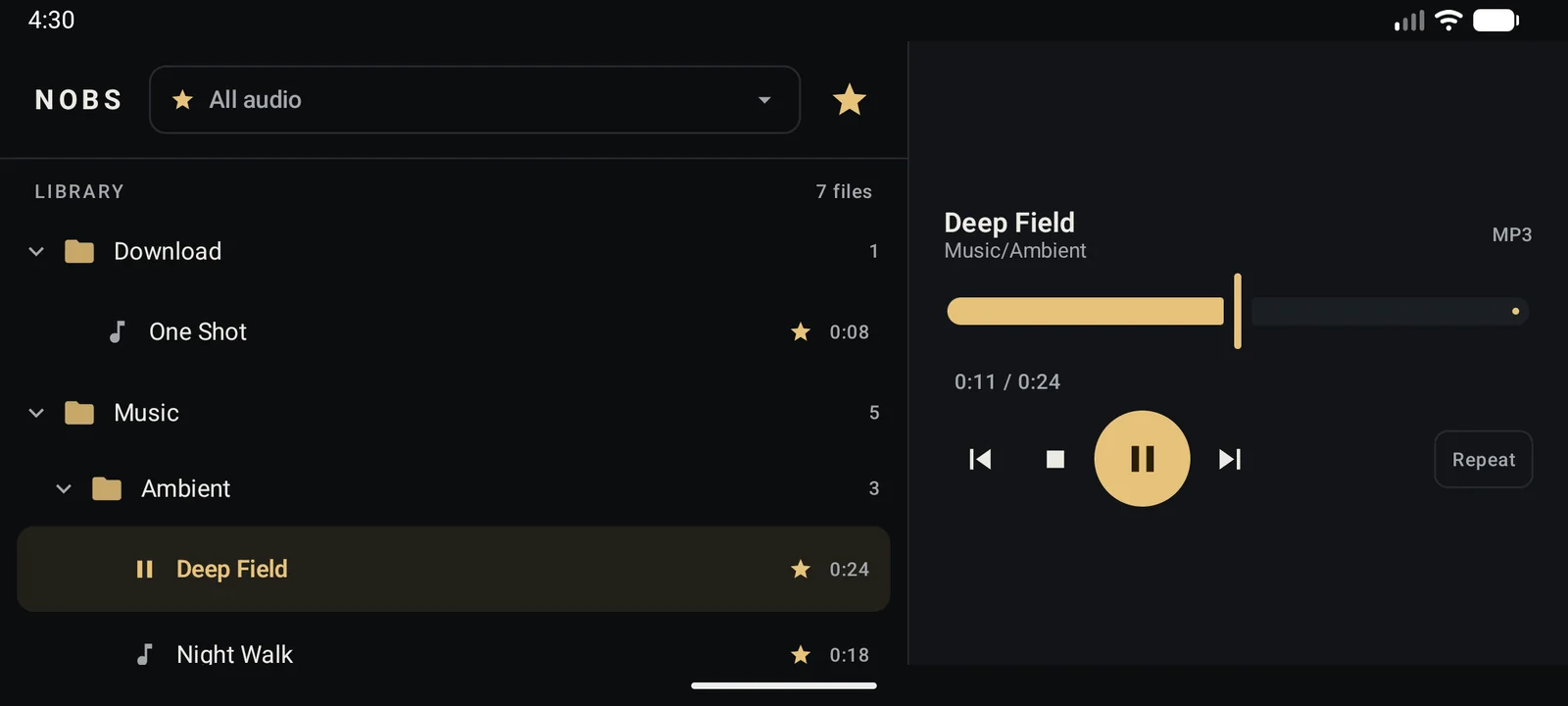
Folders on the left. Seeker and transport on the right.
Keep the current file within reach without reopening the app. The NOBS Playbar widget carries the title, folder, time and progress — plus previous, play/pause and next.
Tap the filename, time or progress to open the app at the playing folder.
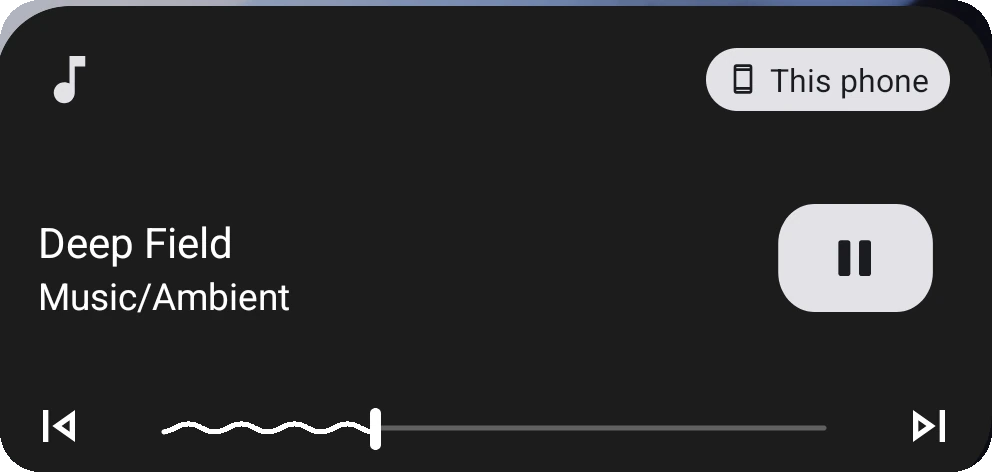
Android's media player takes over the lock screen and notification shade, with a scrubbable seeker.
NOBS Player does not want to know what you listen to. It reads the audio files on your device, keeps your favorites and mode in local preferences, and stops there.
Audio files in shared storage, through Android's media store.
Favorites and playback mode, in private preferences on the device.
Accounts, analytics, ads, telemetry — or a connection to the network.
NOBS Player 1.0 for Android. Small enough to forget about, complete enough to keep.
Download the APK, open it from your browser or file manager, and allow installs from that app if Android asks. NOBS Player is a signed sideload build, not a Play Store release. Android 7.0 or newer is required.